
Last week, the organization manufacturing the viral e-reader of the “order from aliexpress” flavour announced that they will be discontinuing the popular device in their product lineup, the X4 model. Conveniently, I had ordered one a couple of weeks ago, and have been working on putting it through its paces.
I historically have used a Kobo (Canadian company and all that), but I’m still rocking an early model, so an e-reader this cheap but years separated from my Kobo is an interesting experience.
First of all, what is the Xteink X4? The Xteink X4 is just one of a category of devices that have blown up lately, which is cheap ESP32-powered e-ink devices. Naturally, these are available on the various Chinese e-tailers like aliexpress and alibaba in various forms. While generally, including the X4, these devices aren’t prepped for export so they come configured as Chinese, and support a proprietary format, but there’s an open source project providing a custom firmware that unlocks a lot of capabilities including epub support. See: Crosspoint Reader.
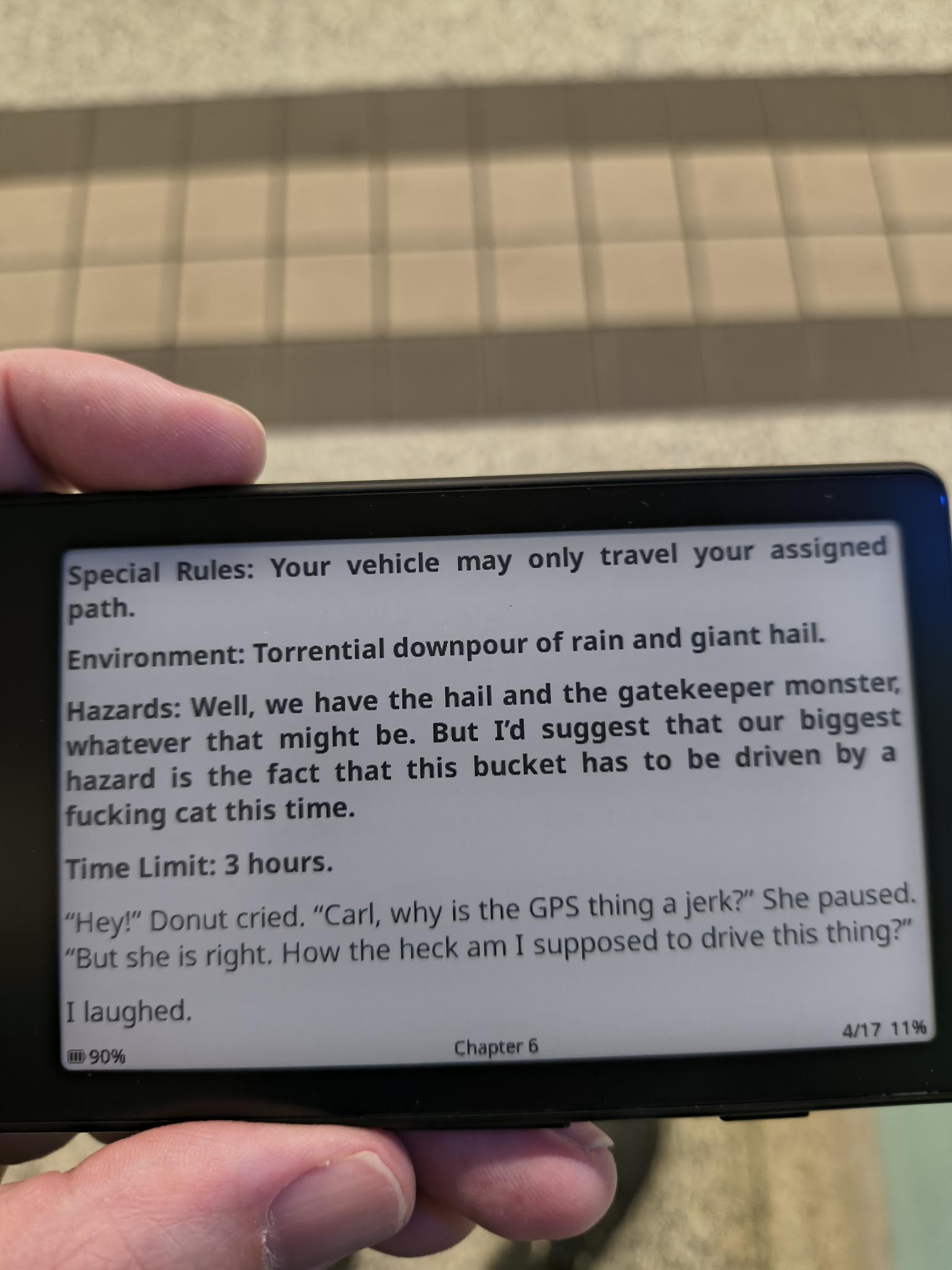
Basically the idea is that you would ram it in your pocket and take it with you when you go out into the scary big blue room. Like in this case, me running an errand and having a wee little guy to read on while I take the subway.
First Steps
The current iteration of the device does not support the web flashing out of the box, so I had to follow the alternative method by unlocking it. It was as simple as following the steps on the linked webpage.
After unlocking the device, simply applying the firmware a second time sorted it out, and we were up and running.
The device does not usb mount to allow you to add epubs from calibre or other sources, so you’ll need to use the included usb microsd reader to perform these steps or add books. I was initially rather confused by the usb adapter being included in the box, as it seemed unnecessary. Joke’s on me though.
The Experience
Generally once it’s been flashed, it acts like any other e-reader. Convert or otherwise acquire epubs from various stores (authors need to eat too), copy them to the microsd, and upon booting the device it will find the new files and list them. Super easy.
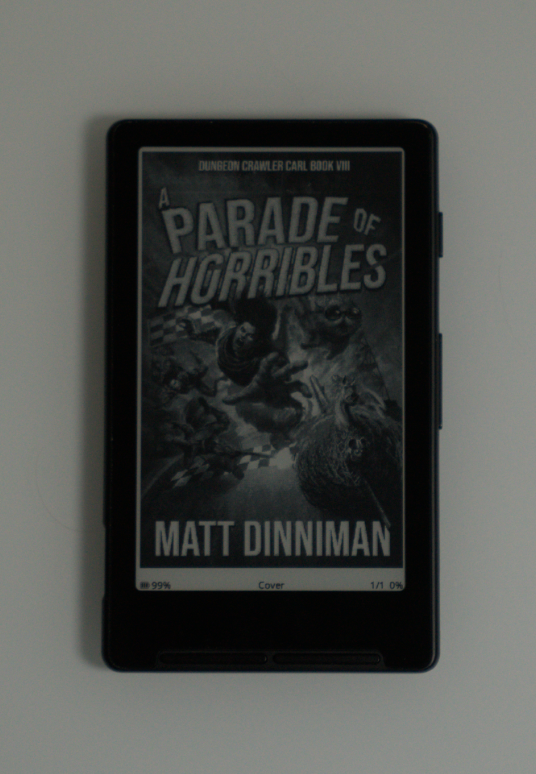
One thing I discovered as I was finalizing testing for the review is that it supports various alternative viewing layouts. The Landscape orientation vastly improves the reading experience — the X4 when in Landscape is the same width as the Kobo it’s replacing, it’s awesome.
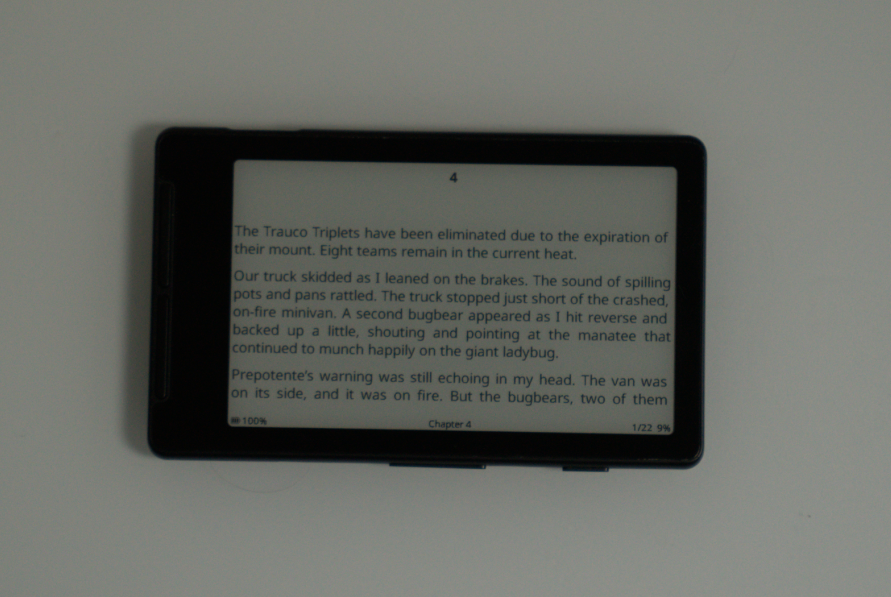
The X4 does support wifi to copy books (or fonts) over to the device, but it really doesn’t like my WRT1900AC for some reason. If I turned off bridge mode on my ISP’s router it’d connect fine; it just doesn’t like my old as dirt mediocre 802.11ac network.We generally don’t use wifi for much in our setups, so this isn’t otherwise a problem. It just means I’ve gotta pop the microsd into a machine to copy stuff over once in a while.
Pros
- tiny and magsafes to the back of a phone so you have something not the bright horror vortex to read when out in the big blue scary room
- e-ink is super responsive and fast
- clear and easy to read, great font rendering
- USB-C
- price is phenomenal, like $60 maple bucks
Cons
- no USB mounting
- hates my wifi
- discontinued, we’ll see what the X4 Gen 2 ends up being, it’s probably switching to pogo instead of USB-C though
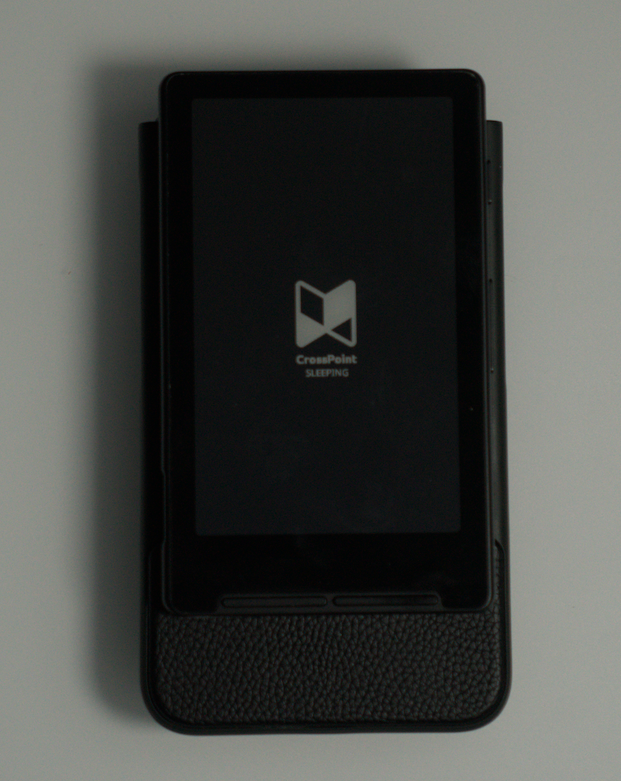
- on my Razr Flip it turns my phone into a brick, you could use it to construct domiciles, but that’s a me problem
Conclusion
It’s a phenomenal device for the price, it’s great to be able to pocket an e-reader like that; I do hate trying to read books on my phone, so it’s absolutely my jam. I’d recommend it to anyone who’s into reading. As the kid of a librarian, I read a lot, basically anything I can get my hands on, so I love this little guy. Dungeon Crawler Carl is phenomenal btw. Not everything needs to be The Metamorphosis.
4.5 Pacinos

